This post may contain affiliate links. Please see my disclosure policy for details.
Transform Your Royale High Dorm Into Your Dream Space: A Complete Customization Guide
Contents
- Transform Your Royale High Dorm Into Your Dream Space: A Complete Customization Guide
- Finding and Claiming Your Perfect Dorm Room
- The Furniture Catalog Is Your New Best Friend
- Construction Mode: The Game-Changer Nobody Talks About Enough
- Making Your Living Area Actually Livable
- Bedroom Design: Your Personal Sanctuary
Royale High dorms stare back at you like blank canvases waiting for magic to happen, and I’m here to tell you exactly how to turn that empty room into something that makes your friends stop and say “wait, how did you DO that?”
Look, I get it.
You’ve just claimed your first dorm and you’re standing there thinking “now what?” while staring at generic furniture that looks like it came from a catalog nobody asked for.
I’ve been there, standing in my Campus 1 dorm wondering why my “decorated” room looked more like a furniture store exploded than an actual living space.
Let me walk you through everything you need to know.
Finding and Claiming Your Perfect Dorm Room
The claiming process isn’t rocket science, but it trips up new players constantly.
Here’s what you do:
- Walk up to any available dorm door across Campus 1, 2, 3, or 4
- Wait for the claim prompt to pop up (it’s different depending which campus you’re on)
- Hit that claim button before someone else grabs it
- Boom, you’re now a proud dorm owner
Here’s the thing nobody tells you: you can change dorms whenever you want.
Hate your view? Neighbor playing piano at 2 AM? Just claim a new room.
The game lets you switch without penalty, so don’t stress about finding the “perfect” location on your first try.
And yes, you can share your dorm with another player if you want a roommate situation happening.
The Furniture Catalog Is Your New Best Friend
Opening that furniture catalog for the first time feels overwhelming.
Over 500 decorative items sit there waiting for you to make decisions, and decision paralysis is real.
I spent my first hour just scrolling through categories like a zombie.
But here’s how I approach it now:
Start with function, then add flair.
Pick your essentials first:
- Seating that actually looks comfortable (trust me, decorative throw pillows in real life taught me this matters)
- Storage pieces like bookshelves and dressers
- Lighting fixtures that create mood
- A focal point piece that draws the eye
Then layer in the decorative stuff that shows personality.
The catalog breaks down into categories that make sense once you use it a few times.
Don’t try to buy everything at once – your diamonds will vanish faster than free pizza at a party.
Construction Mode: The Game-Changer Nobody Talks About Enough
Reaching level 400 unlocks something called “Construction Mode: Architect’s Key” and it completely changes what’s possible in Campus 3 and 4 dorms.
This isn’t just moving furniture around anymore.
We’re talking full architectural control:
- Walls: Change colors, textures, materials
- Wall trim: Add that designer touch
- Ceilings: Because looking up matters too
- Floors: Hardwood, tile, carpet, whatever fits your vibe
- Balconies: Customize your outdoor space
I didn’t appreciate this until I hit level 400 myself.
Before Construction Mode, my rooms looked okay. After? They looked like interior design magazine spreads.
The difference is night and day.
If you’re serious about dorm customization, this achievement becomes your main goal.
Think of it like finally getting professional paint brushes after using dollar store ones – suddenly your creative vision actually translates to reality.
Making Your Living Area Actually Livable
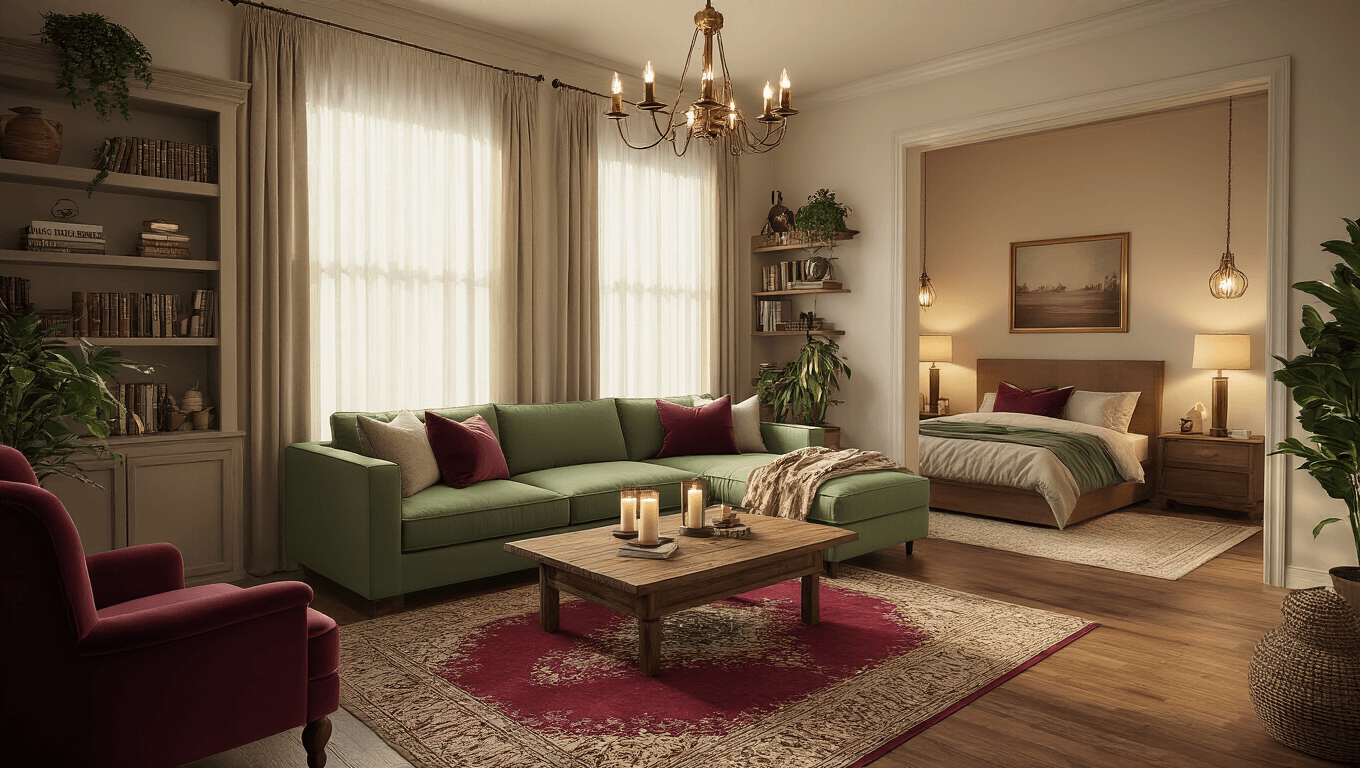
The main living area is where most players spend their time and where visitors judge your entire aesthetic.
No pressure, right?
Your dorm comes with basic furniture like pianos, tables, and seating already placed.
Here’s my controversial take: get rid of most of it.
That default furniture placement makes every dorm look identical.
I rip out everything except maybe one or two pieces I actually like, then rebuild from scratch.
Living Area Layout Tips That Actually Work
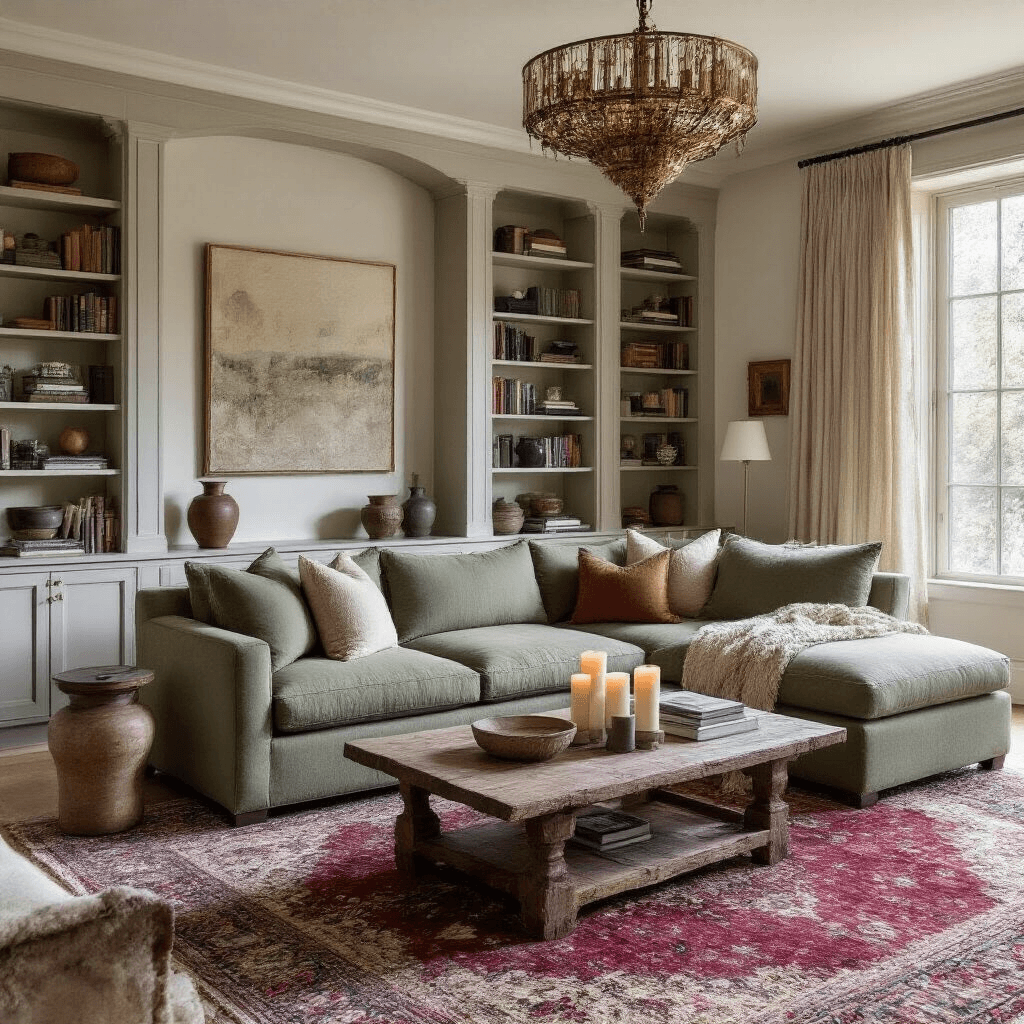
Create conversation zones – cluster seating so it faces each other, not the walls like a doctor’s waiting room.
Layer your lighting – overhead lights alone make everything look flat and boring (same principle as layered lighting in real interior design).
Add vertical interest – use tall bookshelves, floor-to-ceiling curtains, anything that draws eyes upward and makes ceilings feel higher.
Define spaces with rugs – even in a virtual room, rugs create boundaries that tell your brain “this is the reading nook” versus “this is the hangout spot.”
The piano deserves special mention because it’s both functional and decorative.
Place it where it becomes a statement piece, not shoved against a wall like you’re ashamed of it.
I position mine near windows with good natural light and surround it with plants to create this whole artistic musician vibe.
Bedroom Design: Your Personal Sanctuary
You’ve got two bedrooms in your dorm, and most players completely waste this opportunity.
I see the same mistakes constantly:
- Both bedrooms decorated identically (why??)
- Beds pushed against walls with no thought to flow
- Desks facing walls instead of windows
- Mirrors placed randomly with no purpose
Here’s how I use my two bedrooms differently:
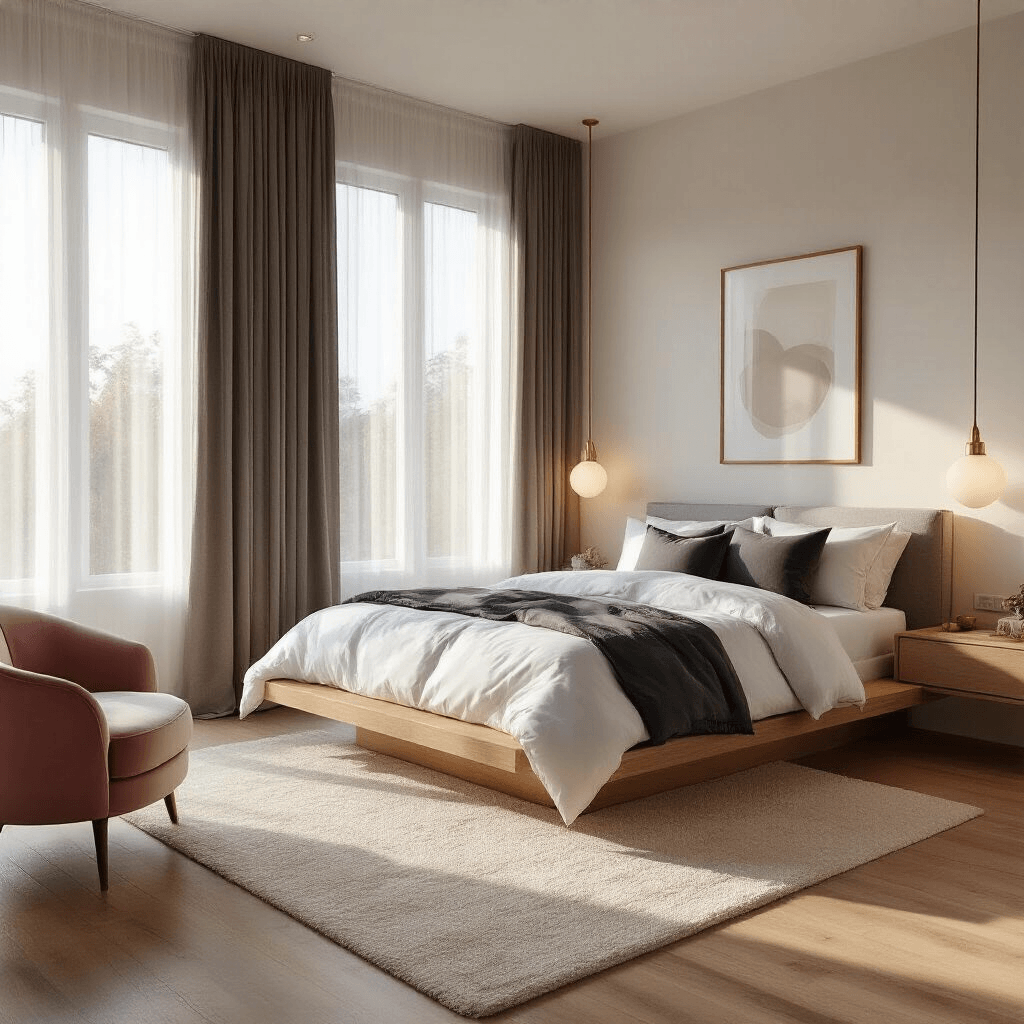
Bedroom One: Actual Sleeping Space This gets the cozy treatment with the bed as the star.
I add:
- Soft textures and warm colors
- Blackout curtains (or the Royale High equivalent)
- Bedside tables with lamps
- Maybe a reading chair in the corner
- Minimal clutter
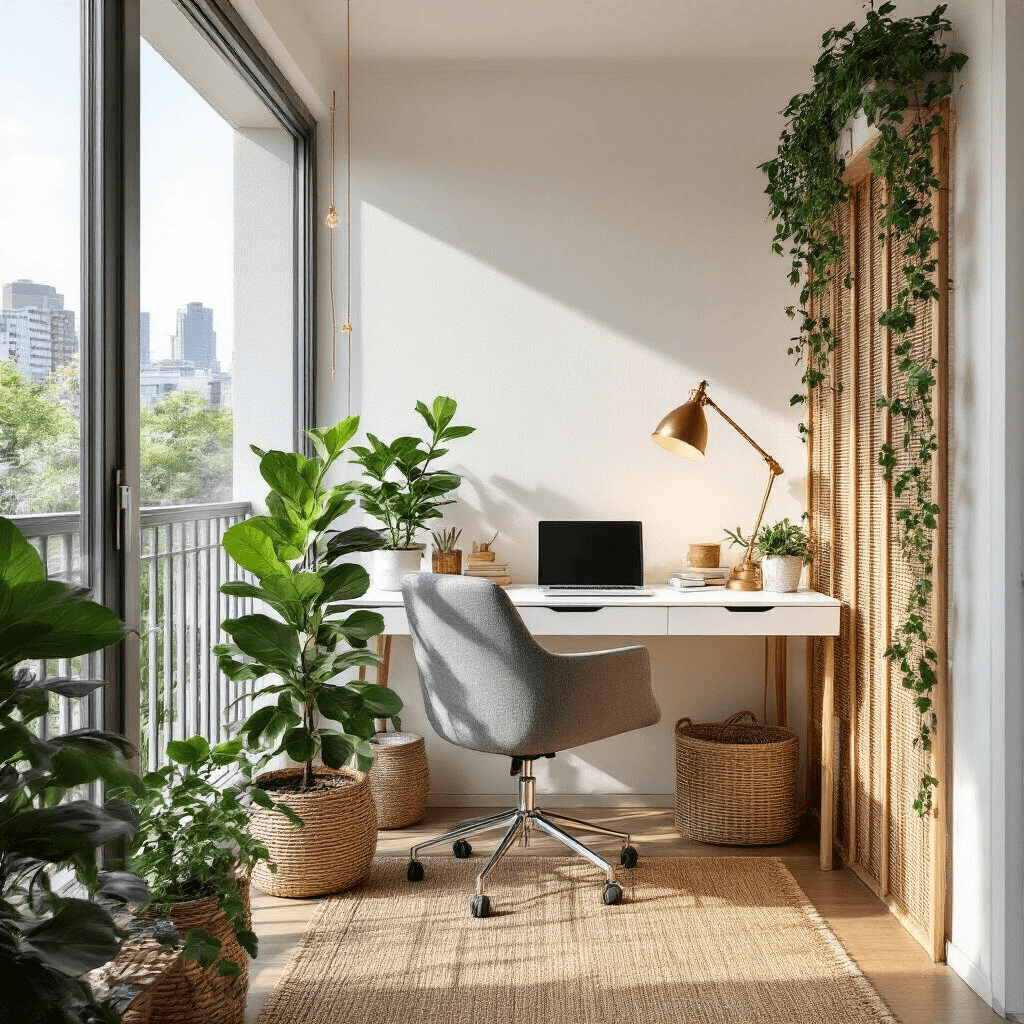
Bedroom Two: Multi-Purpose Creative Space This becomes my studio/office/closet hybrid.
The desk goes front and center near the window. Bookshelves line the walls. I add storage for outfits and accessories. The second bed? Often gets removed entirely or converted to a daybed/lounge situation.
The desks, mirrors, and bookshelves that come standard are actually decent quality compared to other default furniture.
I usually keep these and build around them rather than replacing them.
Your bed does more than look pretty – it recharges your energy for XP just like apartment beds.
So positioning it somewhere you’ll actually use it matters for gameplay, not just aesthetics.