

This post may contain affiliate links. Please see my disclosure policy for details.
Transform Your Space into the Ultimate Cozy Gaming Haven
Gaming setup aesthetics have evolved far beyond the stereotypical dark cave with neon RGB lighting blazing everywhere.
I’ve spent countless hours crafting the perfect balance between functionality and comfort in my own gaming space, and I’m here to share exactly how you can create that dreamy, Instagram-worthy setup without breaking the bank or your back.

🎨 Steal This Look
- Paint Color: Sherwin-Williams Urbane Bronze SW 7048
- Furniture: Herman Miller Aeron gaming chair in mineral finish paired with a Fully Jarvis bamboo standing desk
- Lighting: Philips Hue Play gradient light strip behind monitor plus BenQ ScreenBar Halo monitor light
- Materials: walnut wood desk surface, boucle fabric accent chair, matte black powder-coated steel, chunky knit wool throw
I learned the hard way that a room that looks incredible in photos can wreck your posture and eyesight—my current space took three iterations to get right, and now it’s where I actually want to spend Saturday mornings with coffee and a slow-paced RPG.
Why Your Current Gaming Corner Probably Feels Like a Dungeon
Let me guess.
Your current setup involves a desk shoved against whatever wall had an outlet, maybe a chair that’s seen better days, and lighting that makes you squint like you’re facing an interrogation.
Been there, done that, got the eye strain to prove it.
The problem isn’t that you don’t have expensive equipment.
The real issue is that most gamers treat their space like a utility closet instead of the sanctuary it should be.
After transforming three different gaming spaces (including one tiny bedroom corner that looked hopeless), I’ve learned that cozy gaming aesthetics are about creating an atmosphere that makes you want to settle in for hours without feeling cramped or uninspired.
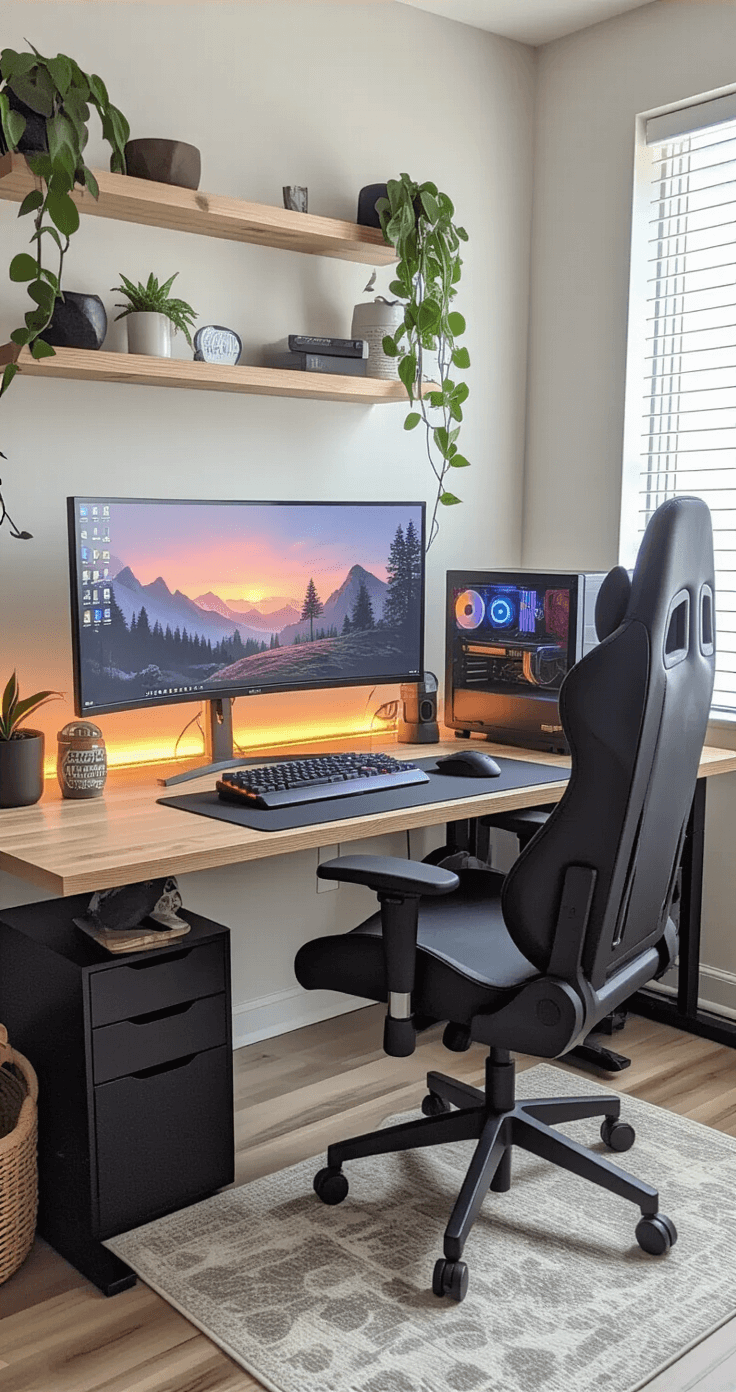
✎ Steal This Look
- Paint Color: Benjamin Moore Hale Navy HC-154
- Furniture: Walker Edison L-shaped gaming desk with built-in monitor shelf and cable management grommets
- Lighting: Philips Hue Play gradient light strip for behind-monitor bias lighting plus a BenQ ScreenBar Halo monitor light
- Materials: matte black powder-coated steel, warm walnut veneer, chunky knit wool throws, and diffused acrylic for soft light scattering
I learned this the hard way after marathon sessions left me with headaches and that weird disconnected feeling you get when your space feels more like a cubicle than a retreat.
Essential Elements That Make or Break Your Cozy Gaming Vibe
Smart Lighting Is Your Secret Weapon
Forget the harsh overhead fluorescent that makes everything look like a medical procedure.
Here’s what actually works:
- Adjustable desk lamps positioned at 45-degree angles to eliminate monitor glare
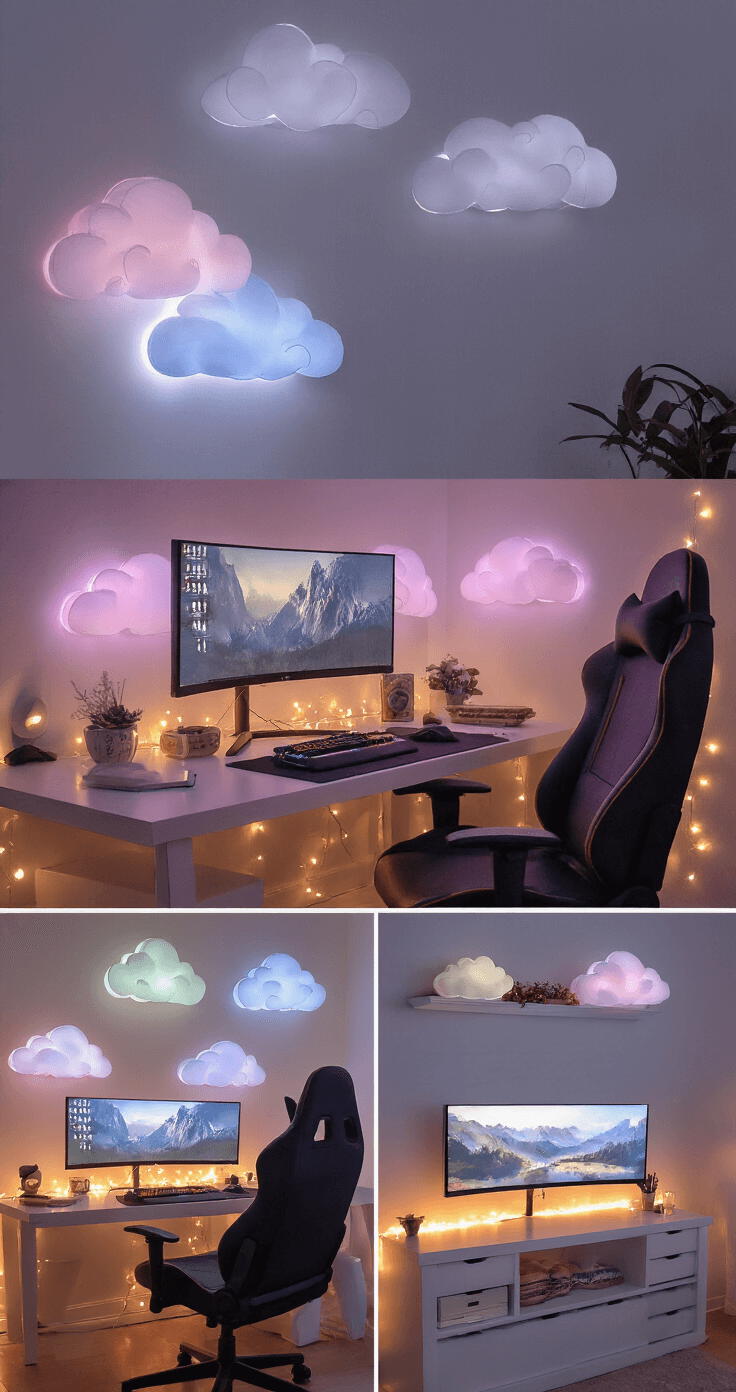
- LED strip lights behind your monitor and around shelving for that dreamy ambient glow
- Cloud lights or wall-mounted fixtures that cast soft, diffused light across the room
- Smart bulbs that let you adjust color temperature throughout the day
I learned this the hard way when I spent three months with a setup that gave me headaches.
The difference proper layered lighting makes is absolutely game-changing.
Seating That Actually Loves You Back
Your gaming chair shouldn’t feel like punishment after an hour.
Look for these features:
Save this article
Enter your email and we'll send it straight to your inbox.
- Ergonomic support that matches your gaming style
- Colors that complement your overall aesthetic (pastels work beautifully)
- Materials that breathe well during longer sessions
- Proportions that fit your space without overwhelming it
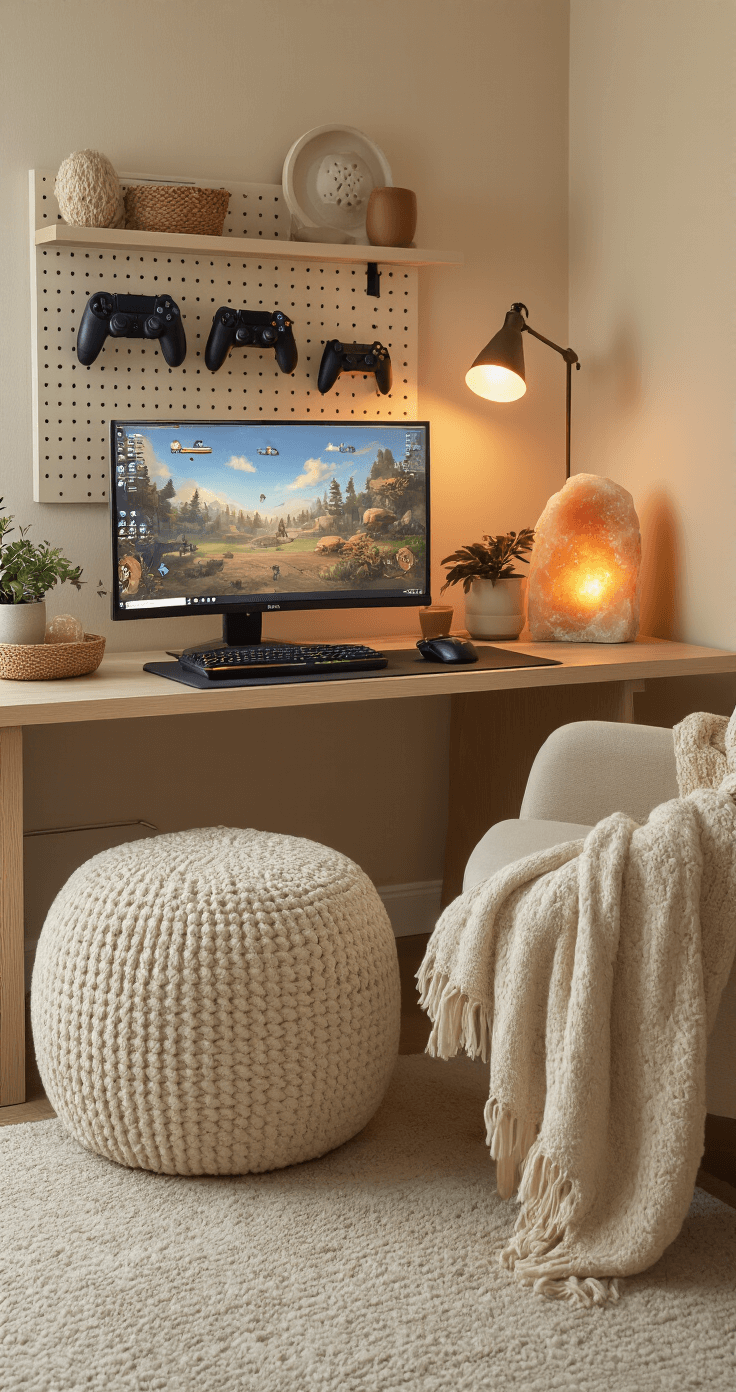
Consider adding an ottoman or mushroom stool nearby for foot support or extra seating when friends visit.
Display and Organization Magic
This is where most setups fall apart.
Random cables everywhere, collectibles scattered without purpose, and zero visual flow.
My foolproof organization strategy:
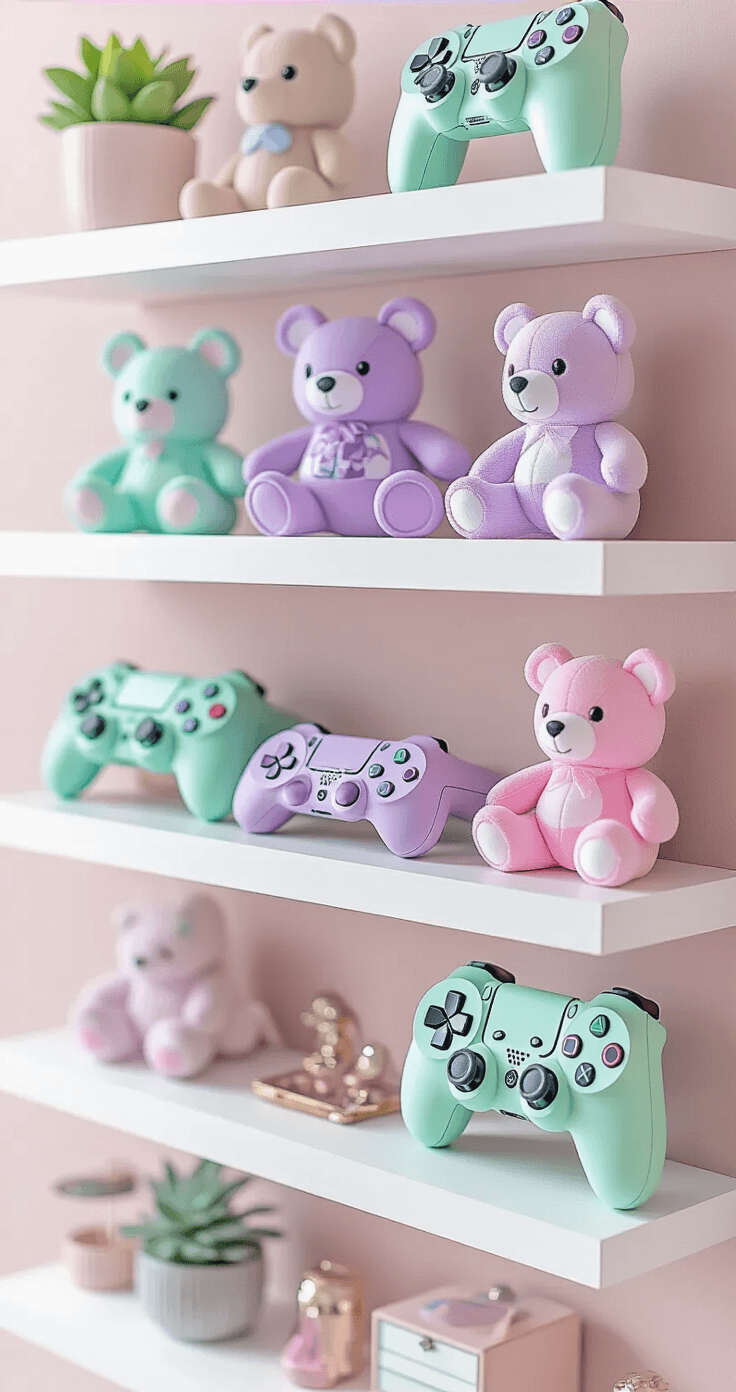
- Install floating shelves at eye level for your favorite collectibles
- Use pegboards for cable management and displaying smaller items
- Group collectibles in odd numbers (trust me, it just looks better)
- Layer items front-to-back on shelves for visual depth
🖼 Steal This Look
- Paint Color: Farrow & Ball De Nimes No.299
- Furniture: Herman Miller Sayl ergonomic chair with plush lumbar pillow, paired with a West Elm Mid-Century Media Console for console storage
- Lighting: Philips Hue Play light bars behind monitor + Govee Glide wall light for ambient wall wash
- Materials: Brushed brass accents, boucle throw blankets, matte black metal shelving, walnut wood surfaces, and velvet floor cushions
This is the room where you’ll lose track of hours, so every element needs to work harder—comfort isn’t indulgent here, it’s the entire point.
Color Palettes That Actually Create Calm Energy
Soft Pastels for Ultimate Serenity
Lavender, mint green, soft pink, and sky blue create an atmosphere that feels like a gentle hug.
These colors work especially well if you:
- Play relaxing or indie games frequently
- Stream content and want a welcoming background
- Share your space with others who appreciate calm vibes
- Have good natural light to enhance the soft tones
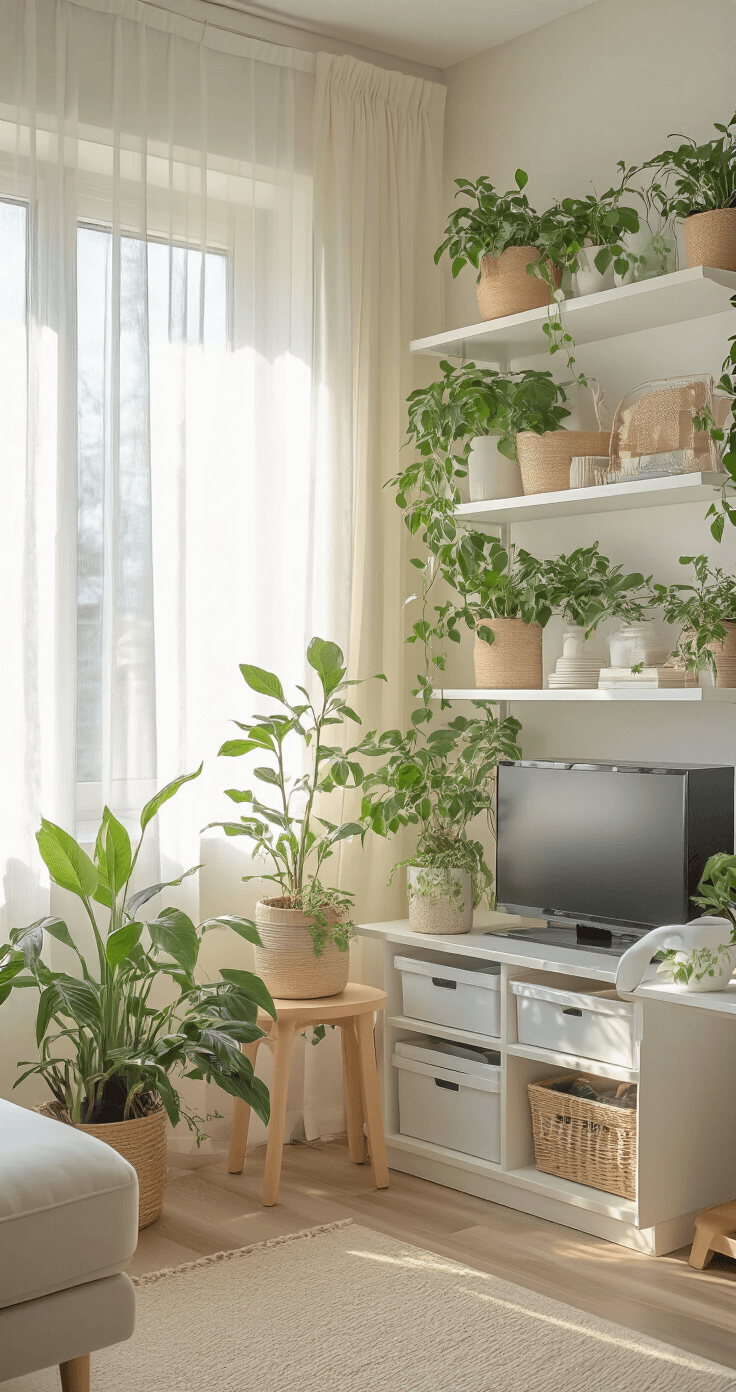
Warm Neutrals for Cozy Sophistication
Cream, warm gray, soft beige, and muted earth tones give you flexibility while maintaining that cozy factor.
Perfect if you:
- Want something timeless that won’t feel dated
- Share the space for work and gaming
- Prefer a more mature aesthetic
- Want to highlight colorful gaming collectibles against neutral backgrounds
💡 Steal This Look
- Paint Color: Behr Creamy Mushroom PPU5-13
- Furniture: low-profile velvet loveseat in dusty rose, floating walnut media console with cable management, round pouf ottoman in chunky knit cream wool
- Lighting: globe pendant with frosted glass and brass accents, dimmable LED Edison bulb floor lamp with tripod base
- Materials: matte ceramic, brushed brass, raw linen, bleached oak, mohair throw blankets
This is the palette I defaulted to in my own setup after realizing aggressive reds were keeping me wired during late-night Stardew Valley sessions—soft colors genuinely changed how I unwound.
🎁 Get The Look
Step-by-Step Setup That Transforms Your Space in One Weekend
Friday Evening: Foundation Prep (2 hours)
Clear everything out completely.
I’m talking bare surfaces, cables organized, and walls ready for new installations.
Install your lighting infrastructure:
- Mount wall lights or pegboards
- Position LED strips behind your monitor area
- Test all electrical connections
- Set up your desk lamp with smart bulbs for adjustable color temperature
Saturday Morning: Furniture Positioning (3 hours)
Create your focal point with intentional placement:
- Position your main gaming setup against your cleanest wall
- Angle your chair slightly toward the room (not just dead-on facing the wall)
- Place your monitor at proper eye level to avoid neck strain
- Add your rug and ottoman in positions that create flow, not obstacles
Keep this one for later
We'll email you the link so you can come back to it.


[…] and nothing quite beats the warm, inviting charm of farmhouse tiles. They’re like a cozy hug for your space, blending rustic appeal with modern functionality. And the best part? You don’t need to live […]