

This post may contain affiliate links. Please see my disclosure policy for details.
Holiday Wallpaper: Your Complete Guide to Transforming Screens This Season
Contents
Holiday wallpaper can instantly transform your digital devices into festive wonderlands, but finding the perfect seasonal backdrop that doesn’t look cheesy or pixelated feels like hunting for a needle in a haystack.
I get it.
You’re scrolling through page after page of generic snowflakes and Santa images that all blur together, wondering if there’s actually something out there that matches your style.
Let me save you hours of frustration.
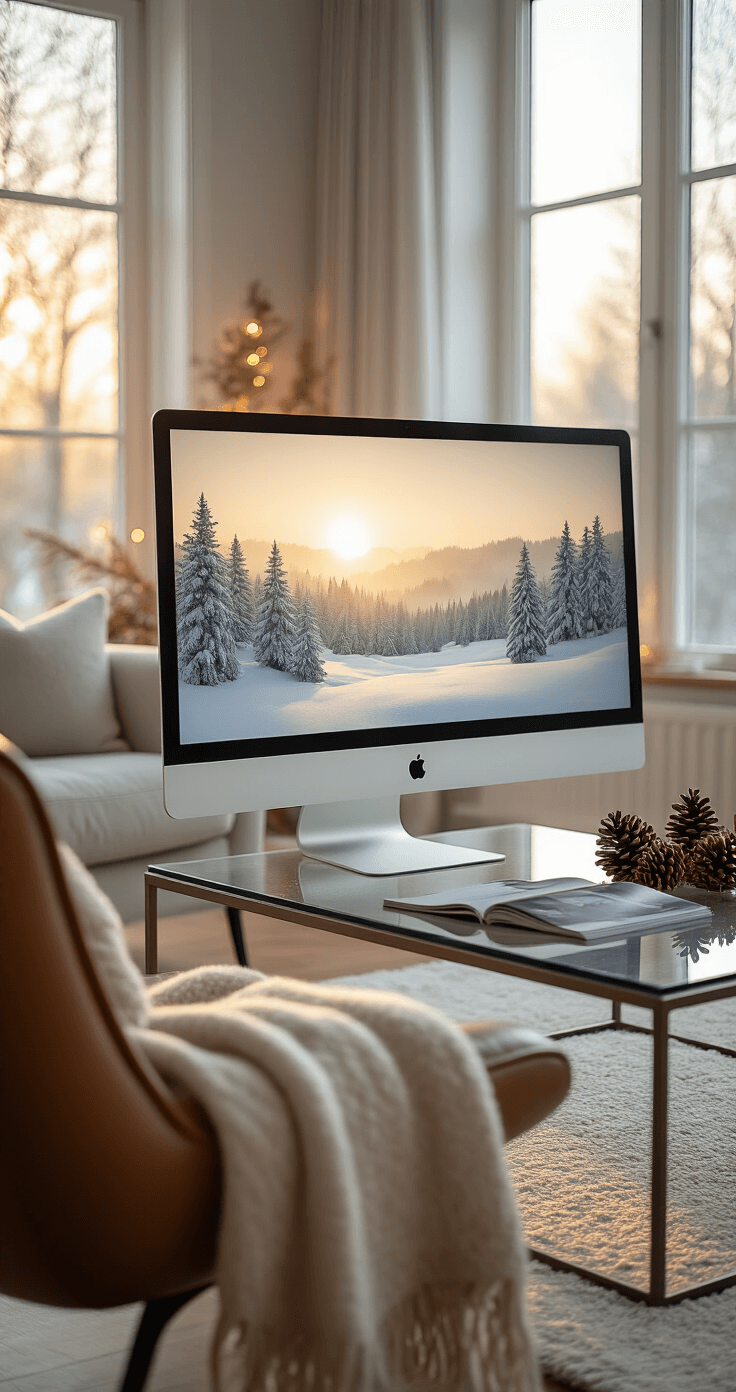
🌟 Steal This Look
- Paint Color: Sherwin-Williams Snowbound SW 7004
- Furniture: compact white writing desk with gold hardware for device charging station
- Lighting: adjustable LED desk lamp with warm 2700K setting and USB charging port
- Materials: brushed brass accents, matte ceramic, velvet cable organizers, natural linen desk mat
There’s something quietly joyful about unlocking your phone to a perfectly composed winter scene that actually reflects your taste, not whatever algorithm pushed a generic Santa to the top of your feed.
Why Your Holiday Wallpaper Choice Actually Matters
Look, I spent years slapping whatever random holiday image I found onto my devices without a second thought.
Big mistake.
Your screen is something you look at dozens, maybe hundreds of times per day during the holiday season.
A poorly chosen wallpaper creates visual clutter that your brain has to process every single time you unlock your phone or open your laptop.
The right holiday wallpaper, though?
It brings genuine joy to those tiny moments throughout your day.
Where to Find Holiday Wallpapers That Don’t Suck
Free Platforms That Actually Deliver Quality
Unsplash remains my go-to source when I need something that looks professional without the watermarks.
They’ve got 500+ high-resolution holiday images that you can use however you want.
No strings attached.
No weird licensing requirements.
Just beautiful photography.
Freepik offers a different angle with vectors, stock photos, and editable PSD files if you want to customize things yourself.
I’ve downloaded removable holiday wallpaper from their collection when I needed something specific for a project.
Wallpapers.com hosts 900+ options ranging from snowy landscapes to twinkling light displays.
The variety here is honestly overwhelming in the best way possible.
Platforms for the Design-Inclined
Canva changed everything for me when I discovered their editable templates.
They offer 677 Christmas desktop wallpaper templates that you can customize with their drag-and-drop interface.
Want to change colors?
Done in two clicks.
Need to add your family photos?
Just upload and position them.
The templates download in high-resolution PNG or JPG format, so you’re not sacrificing quality for convenience.
I created a custom wallpaper last year that incorporated my kids’ handwriting from their Santa letters, and it became my favorite digital keepsake.
Premium Options Worth Considering
Adobe Stock maintains over 321,000 holiday background images if you need commercial-grade options.
These require payment, but the quality and uniqueness justify the cost for professional projects.
Disney’s D23 releases official holiday wallpapers that bring that magical Disney touch to your screens.
Perfect if you’re raising Disney-obsessed kids like mine who notice when Elsa’s dress shade is slightly off.
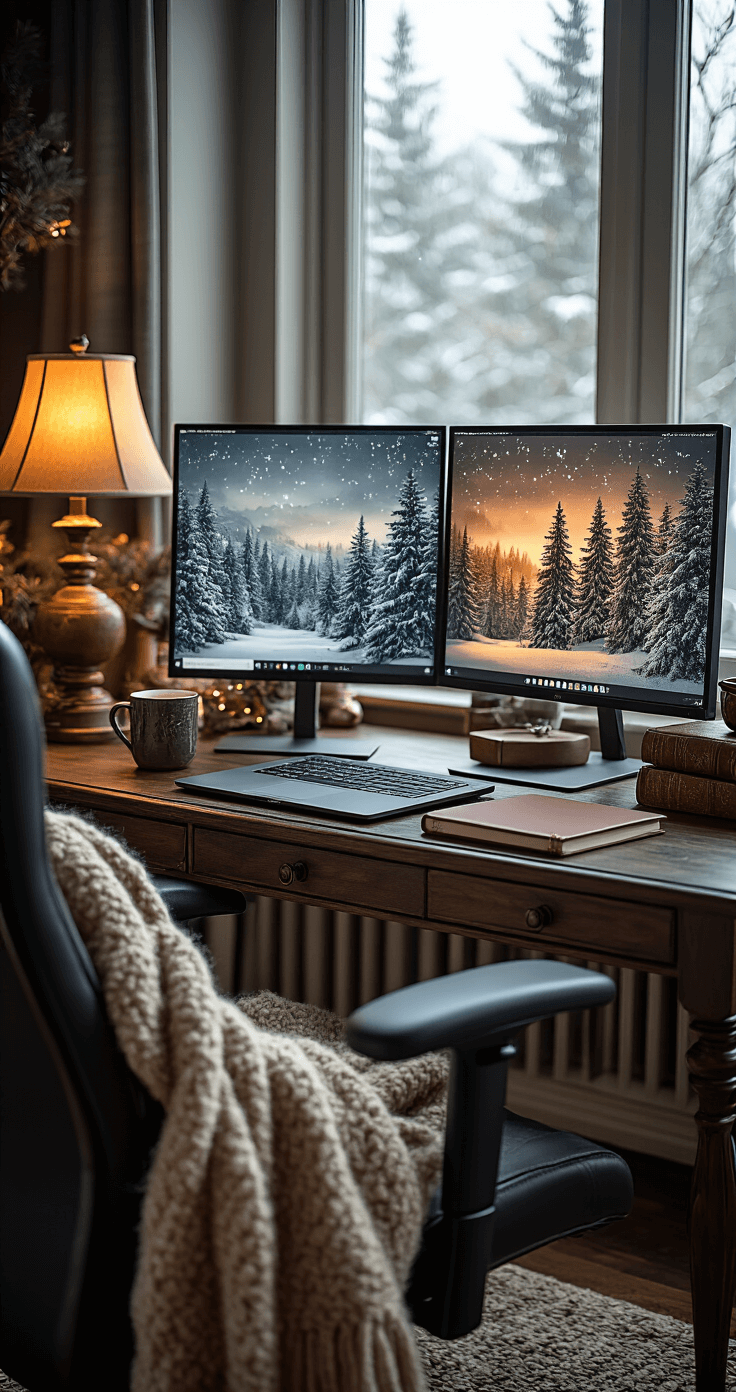
🌟 Steal This Look
- Paint Color: Farrow & Ball Stiffkey Blue 281
- Furniture: moody navy velvet sofa with brass legs
- Lighting: oversized aged brass floor lamp with pleated linen shade
- Materials: burnished brass, matte ceramic, chunky wool knits, flocked velvet
I’ve kept a dedicated ‘holiday digital art’ folder on my desktop for three years now, and swapping my entryway screen to a flickering fireplace loop genuinely makes coming home in December feel like a ritual.
How to Choose the Perfect Holiday Wallpaper
Match Your Device Requirements
Different devices need different dimensions.
For phones:
- iPhone: 1170 x 2532 pixels (newer models)
- Android: 1080 x 1920 pixels (most common)
- Samsung Galaxy: 1440 x 3088 pixels (recent flagship models)
For computers:
- MacBook: 2560 x 1600 pixels
- Standard HD: 1920 x 1080 pixels
- 4K displays: 3840 x 2160 pixels
Using the wrong dimensions creates awkward cropping or pixelation that ruins even the most beautiful image.
Trust me, I learned this the hard way when I tried forcing a phone wallpaper onto my desktop monitor.
It looked like a holiday crime scene.
Consider Your Lock Screen Layout
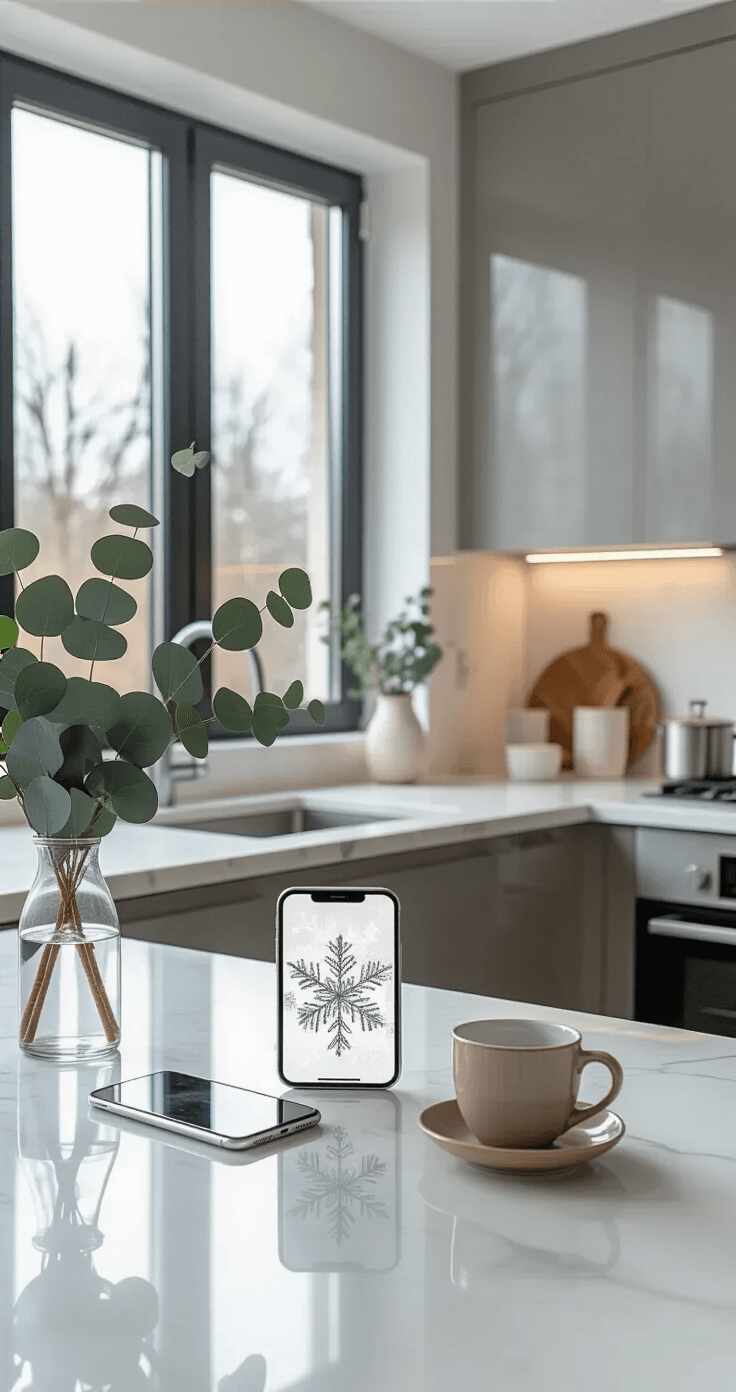
Your wallpaper needs to work around the elements already on your screen.
Clock widgets sit at the top on most phones.
Notification badges cluster in specific areas.
App icons cover the bottom third of your home screen.
Choose images with these zones in mind.
I look for wallpapers with negative space where text and icons will appear, or designs that won’t clash with white text.
A gorgeous image of holiday lights becomes unreadable when your clock disappears into the bright spots.
Think About Longevity
You’ll see this image constantly for weeks or even months.
Go with something that brings genuine calm or happiness rather than visual excitement.
Avoid:
- Overly bright, saturated colors that strain your eyes
- Busy patterns that make icons hard to locate
- Trendy designs that will feel dated by New Year’s
- Animated wallpapers that drain battery life
Choose:
- Subtle color palettes that won’t overwhelm
- Minimalist holiday elements that suggest rather than scream
- Timeless winter scenes that work through February
- Images that complement your holiday throw pillows and real-world decor
🏠 Steal This Look
- Paint Color: use Behr brand. Match the ACTUAL wall color in the image. Format: Behr ColorName CODE
- Furniture: specific furniture for this room
- Lighting: specific lighting fixture
- Materials: key textures and materials
I once wallpapered my powder room in a bold holly berry print that felt magical in December but gave me visual fatigue by February; now I stick to removable options in transitional spaces.
My Personal Holiday Wallpaper Strategy
I rotate through three different styles throughout the season.
Early December: Cozy, anticipatory images like wrapped presents or twinkling lights that build excitement without screaming “CHRISTMAS!”
Mid-December through Christmas: Full festive mode with classic holiday imagery, family photos, or scenes that match my physical decorations like Christmas garland.
Post-Christmas through January: Softer winter landscapes without obvious holiday elements that transition gracefully into the new year.
This approach prevents holiday burnout while keeping my digital space feeling intentional.
Last year, I forgot to switch my wallpaper until February, and that cheerful Santa image started feeling like a judgment on my inability to take down decorations.
Technical Tips for Installation
Downloading Properly
On phones:
<ul



[…] wallpapers featuring such serene landscapes can transform your space, bringing a slice of coastal bliss into your home. Imagine waking up to this view every […]
[…] Peel-and-stick wallpapers for instant transformation […]