

This post may contain affiliate links. Please see my disclosure policy for details.
Winter Phone Wallpapers That’ll Make You Actually Love the Cold Season
Contents
- Winter Phone Wallpapers That’ll Make You Actually Love the Cold Season
- Why Your Screen Needs a Winter Makeover
- The Mountain Magic: Snow-Covered Peaks That Work
- Forest Paths: When You Want Drama Without the Chaos
- Frozen Lakes: The Minimalist’s Dream Screen
- Cardinals: The Color Pop Your Screen is Begging For
- Snowy Owls: Movement That Actually Makes Sense
- Deer Families: When You Need Golden Hour Warmth
- Cozy Cabin Windows: The Contrast King
Winter phone wallpapers transform your screen into a frosted wonderland, and I’m about to show you exactly why millions of people hunt for these seasonal displays every year. Your phone is the first thing you see in the morning and the last thing you check at night. Why shouldn’t it reflect the season outside your window?
I’ve spent the last three winters testing hundreds of these backgrounds, and I’m telling you right now—the right winter wallpaper doesn’t just look pretty. It changes your entire mood.
Why Your Screen Needs a Winter Makeover
Look, I get it. You’re probably thinking “it’s just a wallpaper, who cares?” But here’s what I’ve noticed: every time I switched to a winter-themed background during December, something shifted. My phone felt fresh again. Like getting new furniture without spending a dime.
Search data backs this up—winter wallpaper searches explode by over 300% when the temperature drops. People are clearly onto something.
The Mountain Magic: Snow-Covered Peaks That Work
I’m obsessed with snow-covered mountain silhouettes. Not because they’re trendy (though they absolutely are), but because they nail something most wallpapers completely botch—app visibility.

Here’s what makes mountain wallpapers brilliant:
- Clean lines that don’t compete with your icons
- Natural negative space for text and widgets
- Sophisticated vibes without trying too hard
- Works with both light and dark mode interfaces
Last January, I switched to a minimalist mountain range photo. Three months later, I still hadn’t changed it. That’s the hallmark of a keeper. If you’re setting up your perfect winter display, consider pairing it with a portable phone stand to show off that gorgeous screen during video calls.
Forest Paths: When You Want Drama Without the Chaos
Misty winter forest paths do something sneaky-good for your home screen. They create depth. Those natural leading lines guide your eye exactly where it needs to go, organizing your apps without any effort on your part.

I found this foggy birch forest image two winters ago. The trees formed perfect vertical columns on either side, leaving the center gloriously empty for my most-used apps. It’s like the forest was designed by an interface expert.
Why forest wallpapers nail it:
- Natural framing for your content
- Intrigue without distraction
- Calming effect every time you unlock
- Timeless aesthetic that doesn’t scream “2023”
The trick? Choose forests with subtle color palettes. Too much contrast and your battery life takes a hit on OLED screens.
Frozen Lakes: The Minimalist’s Dream Screen
Frozen lakes with winter birds are my go-to recommendation for anyone who claims they’re “not into nature photos.” Because here’s the thing—they’re not really about nature. They’re about composition.
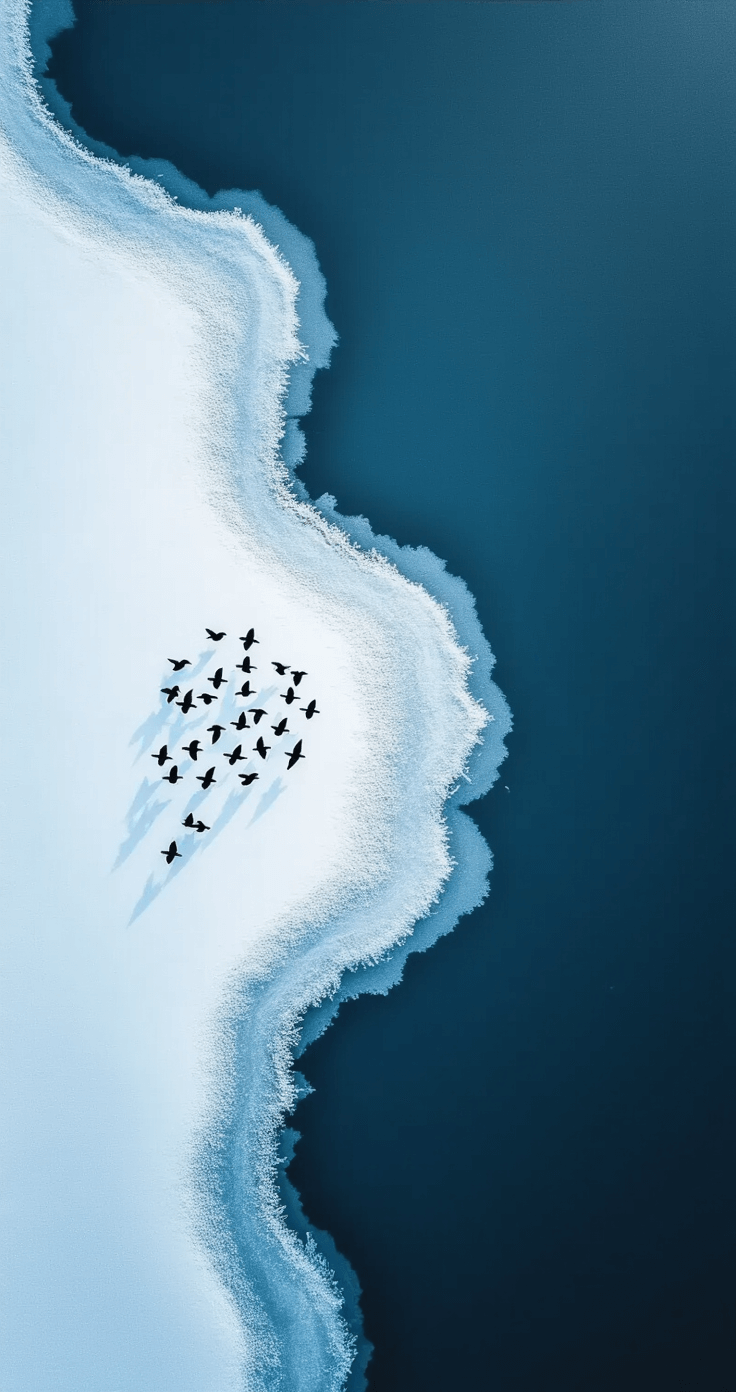
Cool blues and whites create breathing room. The natural brown accents from dried vegetation add just enough warmth to prevent that sterile, cold feeling. And those birds? Perfect focal points that don’t interfere with your notification badges. I use a frozen lake image every February without fail. It’s become my phone’s seasonal uniform.
Cardinals: The Color Pop Your Screen is Begging For
Want to know the secret weapon of winter wallpaper enthusiasts? Cardinals in snow-covered branches. That crimson red against pure white snow creates contrast so striking, your apps practically organize themselves.

I’m not exaggerating—the color theory here is chef’s kiss perfect.
Cardinals work because:
- Instant focal point without being busy
- Natural color blocking for different app categories
- Emotional warmth in a cold season
- Universal appeal (even bird-haters love these)
My mom, who barely notices her phone’s appearance, commented on my cardinal wallpaper within seconds of seeing it. That’s impact.
Snowy Owls: Movement That Actually Makes Sense
Snowy owls in flight convey something most static images can’t—momentum. Those wing spans create natural leading lines that modern interfaces crave.
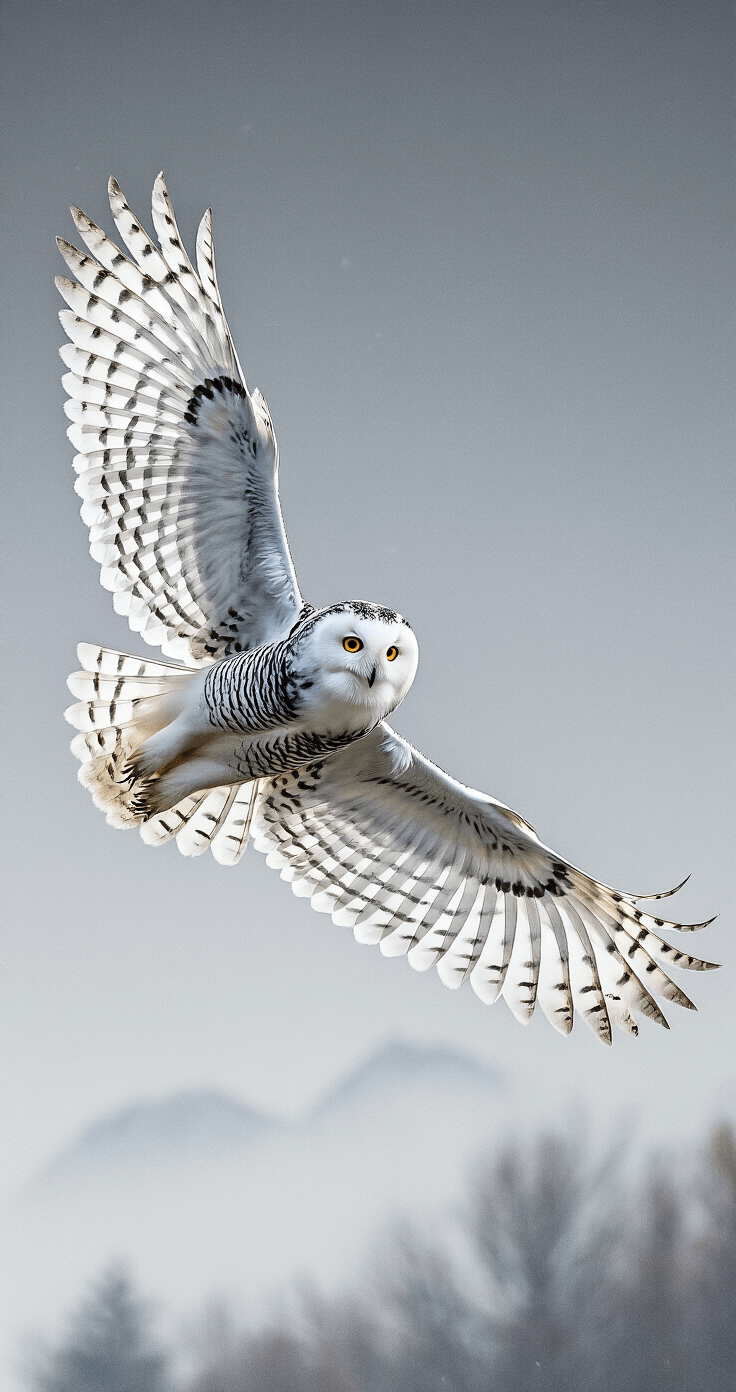
I tested this theory last December. Owl wallpaper with wings spread wide, pointing toward the top-right corner where my most-used apps cluster. My thumb naturally followed that line. Coincidence? I don’t think so. The white plumage also provides excellent contrast for dark-themed apps while staying cohesive with the winter vibe.
Deer Families: When You Need Golden Hour Warmth
Here’s where I break from the icy-cool crowd. Deer families in winter meadows offer something different—golden-hour warmth that counteracts winter’s typically cool palette.

I switch to these during late January when I’m thoroughly sick of blue-toned everything. That warm backlight through snowy fields? It’s like wrapping your phone in a cozy blanket.
These work best when:
- You’re tired of cold color schemes
- Your interface uses warm accent colors
- You want majestic without being cheesy
- Battery life is a concern (lighter backgrounds help)
The natural browns and golds also complement wood-toned phone cases beautifully. Speaking of which, a wooden phone case paired with a deer meadow wallpaper creates an unexpectedly cohesive aesthetic.
Cozy Cabin Windows: The Contrast King
Cabins with warm window light create emotional contrast that hits different. Cool exterior, warm interior. Outside versus inside. Cold world, cozy refuge. Every time you unlock your phone, you get a tiny mood boost.
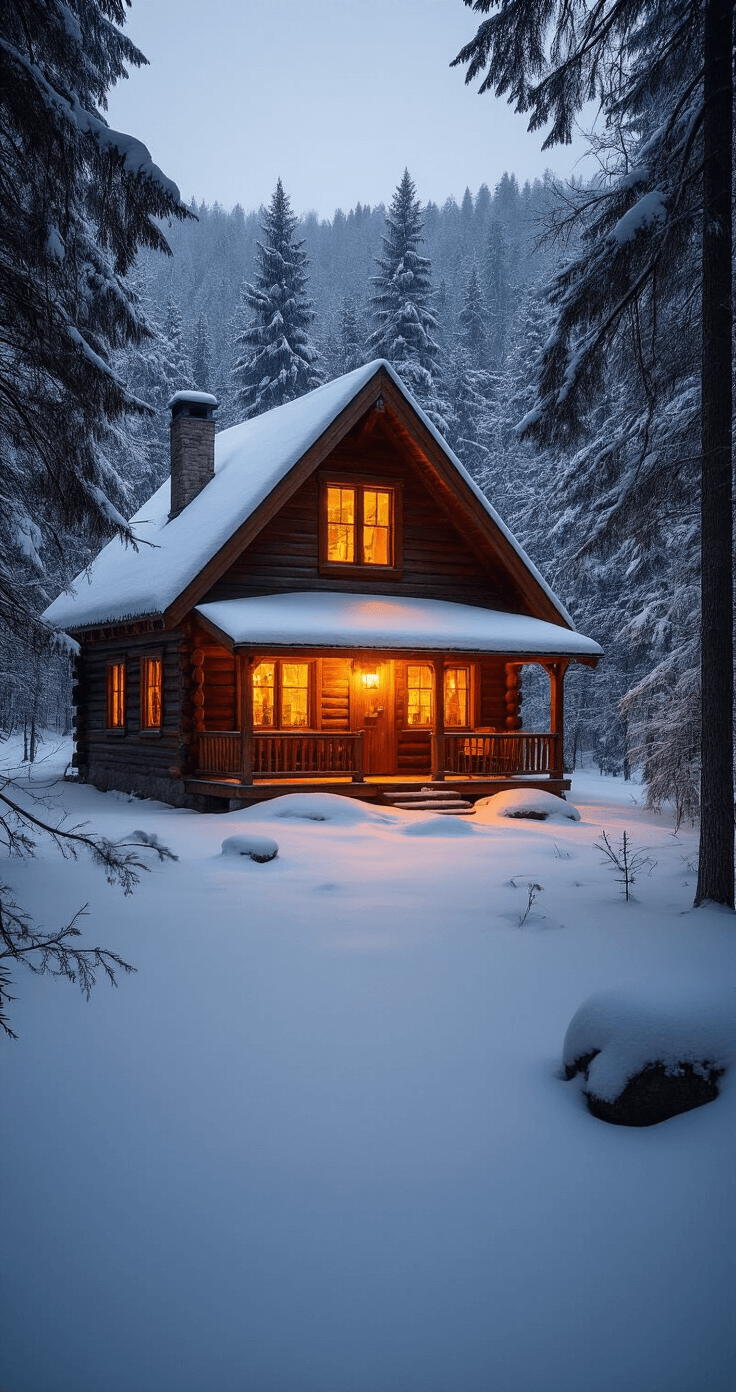
I’m not being dramatic—this is exactly what happened when I used a cabin wallpaper throughout February last year. That little glowing window became associated with checking my phone. Pavlovian? Maybe. Effective? Absolutely.
The composition also works brilliantly for app organization—the dark cabin exterior

[…] use them, open the wallpaper on your phone, save it to your camera roll, tap the three dots, and select “Set as wallpaper.” Takes […]
[…] I discovered that bringing in actual winter elements makes your space feel connected to the season rather than isolated from […]